
You copied the exact settings from a Top 250 player. You hopped into a match. You still missed shots you should have hit. Here is the hard truth: Copying settings does not work if you do not understand how they interact with your specific controller.
Most players treat the Aim Response Curve like a magic switch. They do not realize it is a math equation. It changes how your thumb movement translates to screen movement. If your controller has even a tiny bit of stick drift, the "best" setting might actually ruin your aim.
This guide breaks down the Call of Duty / Warzone: Linear vs. Dynamic Response Curve debate using actual controller data. Stop guessing and start hitting shots.
What is a Response Curve in Call of Duty?
Think of the response curve as a translator. It sits between your thumbstick and the game. When you push your stick 50% to the right, the game decides how fast to turn your character.
Does a 50% stick push mean 50% turn speed? Not always.
- Standard Curve: The game ignores small movements. It starts slow and speeds up at the end. This is safe, but slow.
- Linear Curve: What you see is what you get. 10% push equals 10% speed.
- Dynamic Curve: This is the complex one. It speeds up your initial movement but slows down the middle part.
Understanding this response curve logic is the first step to fixing your aim.
Call of Duty / Warzone: Linear vs. Dynamic Response Curve Compared
Let’s look at the two main contenders. Most pros have moved away from Standard. The real battle is Linear vs. Dynamic.
The Linear Response Curve
Linear is raw input. It maps your stick movement directly to the game speed in a straight line.
- The Feel: It feels twitchy and responsive.
- The Risk: It has zero error correction. If your hand shakes, or if your controller has stick drift, the game shows it immediately.
- Best For: Players with brand new controllers (zero drift) who want to build muscle memory quickly.
The Dynamic Response Curve
Dynamic uses a "Reverse S-Curve." This is a fancy way of saying it cheats for you.
- Instant Snap: When you first touch the stick, it jumps to a higher speed immediately. This helps you snap to a target.
- Sticky Mid-Range: Once you are tracking a target, the curve flattens out. It lowers your sensitivity in the middle of the stick movement.
- High Speed Finish: If you smash the stick to the edge, it ramps up speed again for quick 180-degree turns.
This middle section is why Dynamic feels like it has "stronger aim assist." It slows down your aim right when you are trying to stay on target.
Visualizing the Linear vs. Dynamic Response Curve
It helps to see the data. Below is a comparison of how the game translates your input.
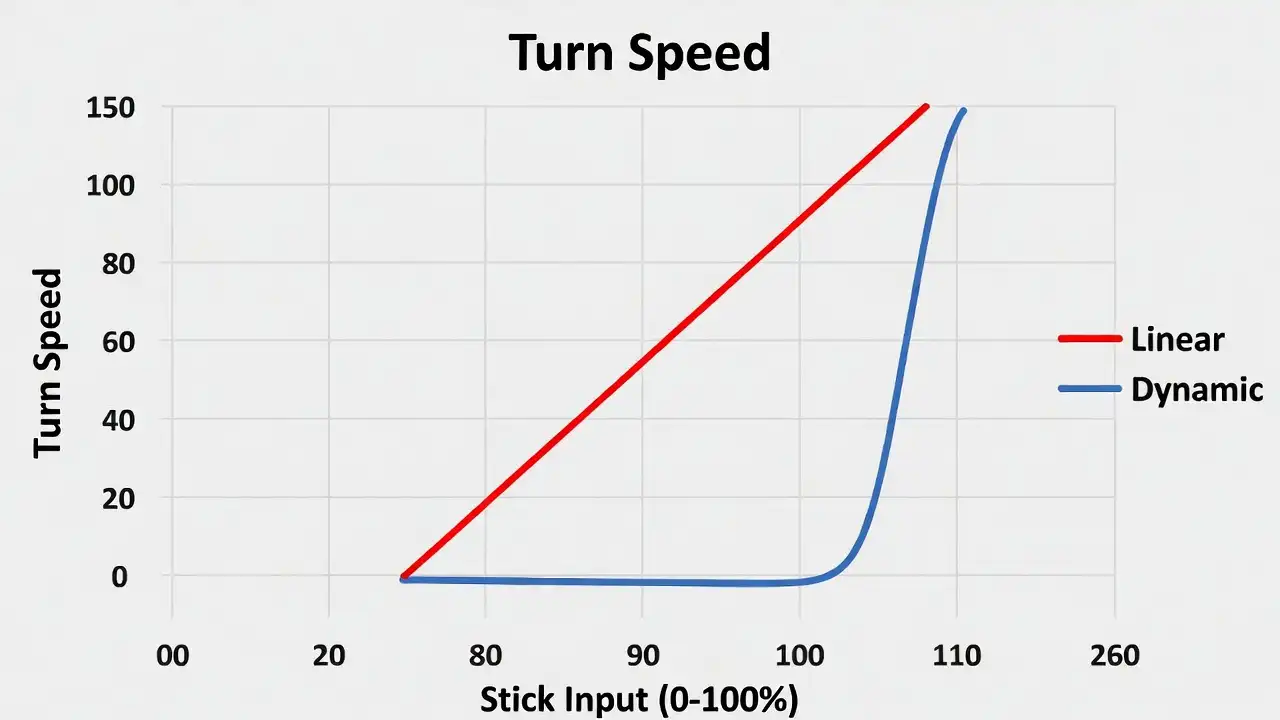
| Feature | Linear Curve | Dynamic Curve |
|---|---|---|
| Stick Input (0-10%) | Slow start (1-10% speed) | Fast start (High sensitivity jump) |
| Stick Input (30-70%) | Consistent speed | Slower speed (Precision zone) |
| Stick Drift Impact | High (Drift is very noticeable) | Medium (Masks some drift) |
| Best Range | Close-range SMG fights | Mid-to-long range beaming |
How Controller Health Affects Your Response Curve Choice
This is the part most guides miss. You cannot just pick a curve based on preference. You must pick one that fits your hardware.
Linear requires a healthy controller. It maps raw input. Any "noise" from your joystick—like jitter or drift—will move your crosshair. If you use an old controller that has been dropped, Linear will feel terrible. You are fighting against your own hardware.
Dynamic is more forgiving. The curve flattens out in the middle. This can hide a small amount of stick noise.
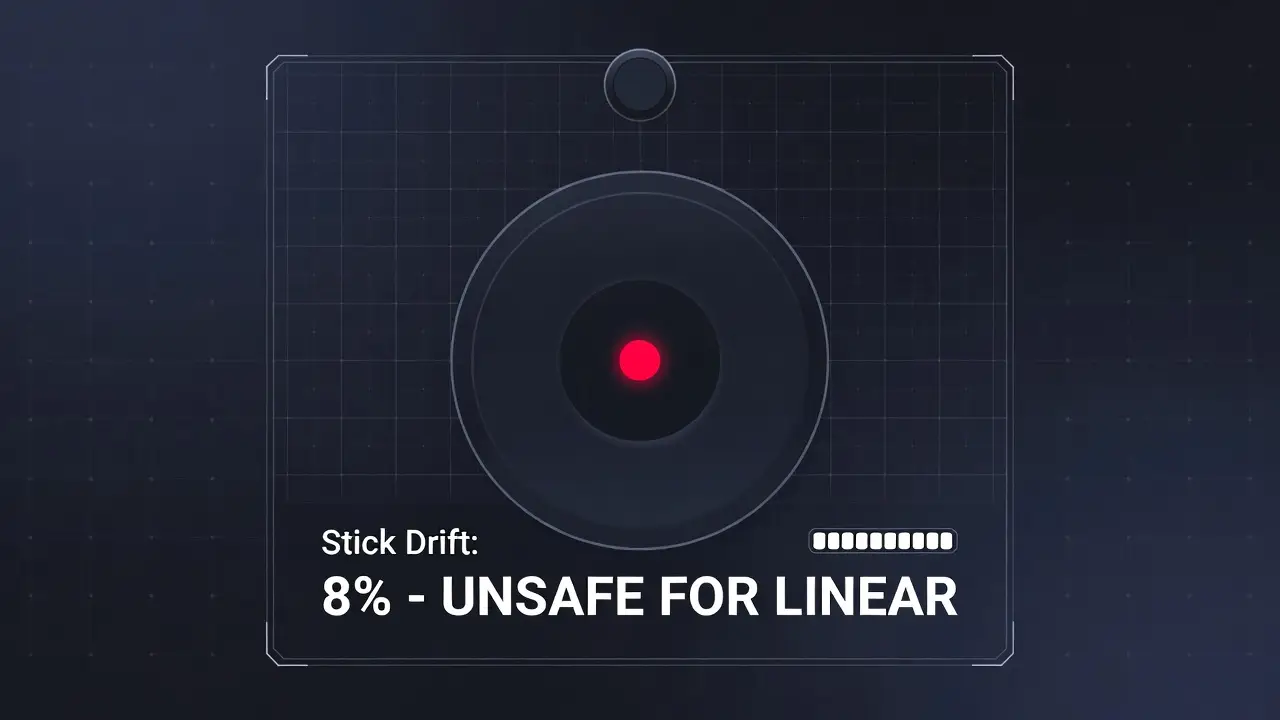
Action Step: Check Your Hardware
Before you switch settings, run a drift test on our tool.
- Drift under 3%: You can use Linear.
- Drift over 5%: Stick to Dynamic or Standard.
Should You Touch the Aim Response Curve Slope Scale?
Call of Duty recently added a setting called Aim Response Curve Slope Scale. This sounds technical, but it is simple. This setting controls how much curve the game applies.
- Default (1.00): You get the full Dynamic curve effect.
- Lower (0.50): You get a mix of Dynamic and Linear.
- Zero (0.00): You are essentially back to Linear.
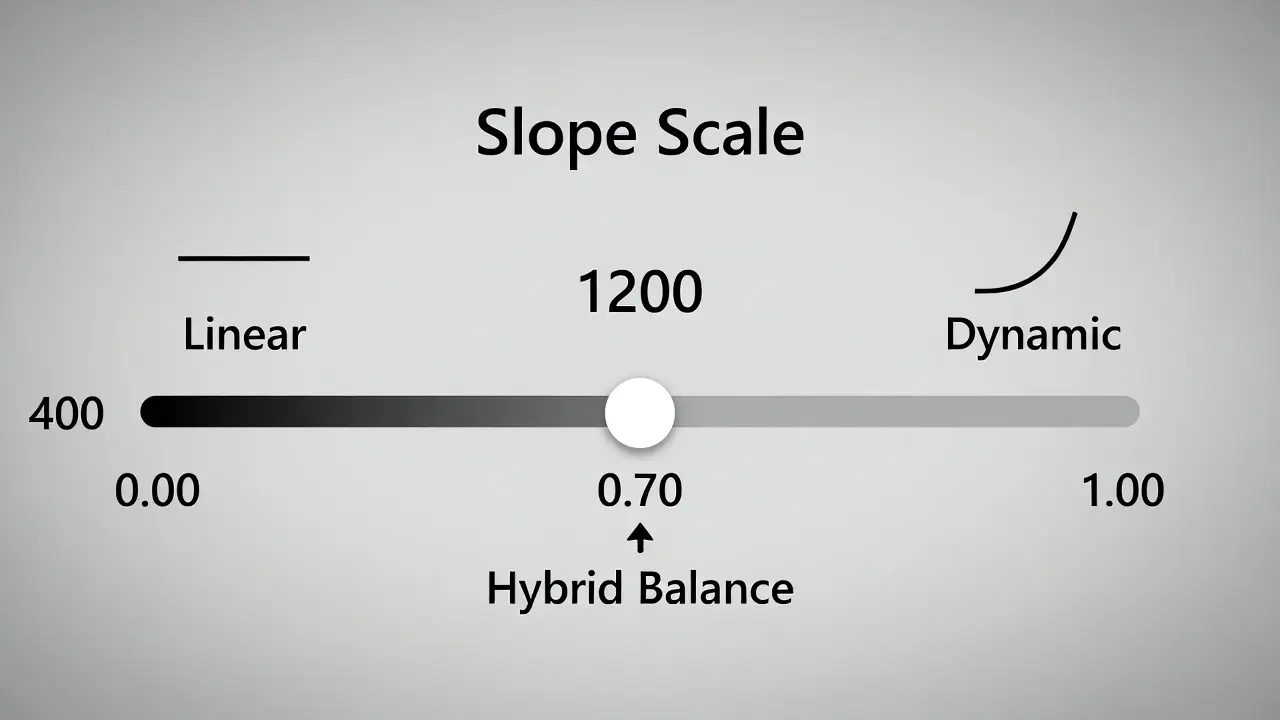
If Dynamic feels too slippery but Linear feels too stiff, try setting your Slope Scale to 0.70. This gives you the snap of Dynamic with the consistency of Linear.
FAQ: Common Questions About Response Curves
Which response curve gives the most aim assist?
Technically, no curve changes the strength of aim assist. However, Dynamic feels like it has more. The curve slows down in the middle. This makes it easier for Rotational Aim Assist to stick to the enemy.
Is Linear better for movement?
Yes. Linear is often preferred by "movement kings." It allows for very fast, reactive direction changes. The computer does not smooth out your motion.
Why does my aim drift on Linear?
Linear has no software filtering. If your controller stick is slightly loose, Linear will detect that movement. You need to increase your "Deadzone Min" setting to fix this.