
Gamepad Tester – Pro Diagnostic Tool
The most accurate tool to check Stick Drift, test Buttons, and measure Input Lag (Hz). No download required.
Free Online Gamepad Tester – Diagnosing PS5, Xbox & Switch Controllers
Welcome to the industry-standard free online gamepad tester. Whether you are a competitive FPS player checking for input lag or a casual gamer diagnosing a broken button, our tool provides a complete laboratory-grade analysis of your hardware. We support every major console, including the PS5 DualSense, Xbox Series X, and Nintendo Switch JoyCons, all directly in your browser with no download required.
Why You Need a Professional Controller Tester
Standard testing tools often miss critical hardware faults. Our online gamepad tester visualizes hidden data streams that the console itself won't show you. By running a controller button test here, you can identify issues like "Ghost Inputs," "Double Clicking," or "Sticky Triggers" before they ruin your ranked match.
Furthermore, we are one of the only tools that actively measures Polling Rate (Hz) in real-time. If you are playing on PC, ensuring your controller runs at 1000Hz (1ms delay) versus the standard 125Hz (8ms delay) gives you a mathematical advantage in fast-paced games like Call of Duty, Fortnite, and Valorant.
Complete Diagnostic Features
- Stick Drift Test & Visualization: Drift is the #1 killer of controllers. Our stick drift tester maps your analog stick's resting position to 5 decimal places. If your stick is "moving" (values fluctuating) while you aren't touching it, our tool will flag it immediately as hardware drift.
- Circularity Error Test: Pro gamers need precision. This test measures how perfectly circular your analog stick rotation is. Official DualSense Edge and Xbox Elite Series 2 controllers typically have an error rate under 10%, while generic pads may show 15-20%.
- Vibration & Rumble Motor Test: Check if your haptic feedback motors are dying. We allow you to test the "Heavy" (Left) and "Light" (Right) rumble motors independently using the browser's vibration API.
- Trigger Sensitivity Analysis: For racing game fans, we visualize the analog pressure of your L2/R2 triggers to ensure they reach 100% acceleration without needing to be pressed through the floor.
Select Your Device for Specific Guide
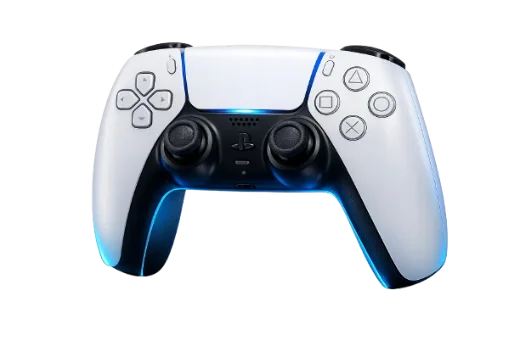
PlayStation 5
DualSense / Edge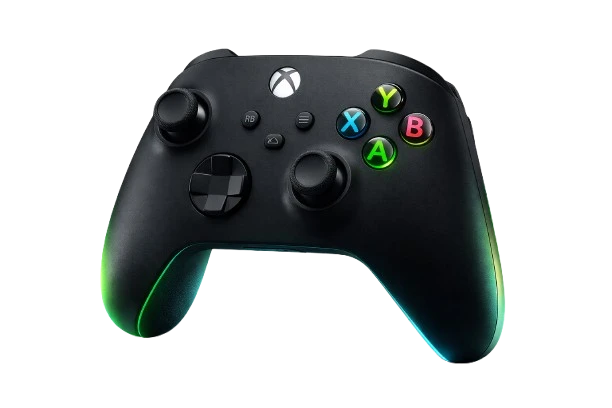
Xbox Series
Series X / S / One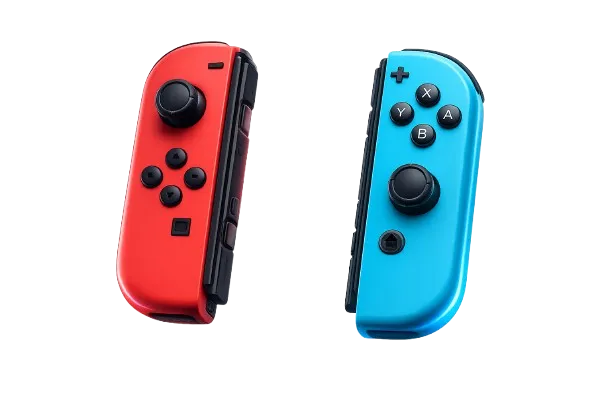
Nintendo Switch
JoyCon / ProGeneric / PC
XInput / DirectInputTroubleshooting: How to Fix Common Issues
1. Fixing Stick Drift (The "Ghost Movement")
If our Stick Drift Tester confirms drift, it means your potentiometer sensor is dirty or worn.
The Fix: Start by cleaning the joystick base with compressed air and isopropyl alcohol (90%). If the hardware is permanently damaged, use our Deadzone Calculator to create a software "mask" that hides the drift in-game.
2. Fixing Unresponsive Buttons
If a specific button (like 'A' or 'X') flickers during the controller button test, the conductive rubber pad underneath is likely worn out.
The Fix: You can open the controller and clean button contacts with alcohol. If the rubber is torn, you will need to buy a cheap replacement pad online.
3. Controller Not Connecting?
If you see "No Controller Detected," try these steps:
- Press any button to "wake up" the controller.
- If using Bluetooth, try connecting via USB-C cable.
- Ensure you are using a modern browser like Google Chrome or Microsoft Edge (Firefox has limited gamepad support).
- Update your controller firmware or PC drivers.
How to Test Microphone?
While this tool focuses on input testing, some controllers like the DualSense have built-in mics. You can usually test the microphone test functionality in your Windows Sound Settings, as browsers segregate audio input from gamepad input for privacy.
Looking for Repair Guides?
We don't just test; we help you fix. Visit our Repair Hub for detailed tutorials on disassembling PS5 controllers, replacing joystick modules, and soldering new analog sensors.
Quick Diagnostics
Press the 'PS' or 'Xbox' button. If still nothing, check your USB cable for data transfer capability (some cables are charge-only).
Bluetooth often caps at 125Hz. For 1000Hz performance, always use a wired USB connection.
If your drift is > 0.10, cleaning might not help. You need to adjust your Deadzone.
Use Deadzone ToolCommon Tests
Frequently Asked Questions
Is this gamepad tester safe to use?
Yes, absolutely. Our tool is 100% browser-based, meaning the code runs locally on your device. There is no download required and no software installation needed. We do not store your controller data or input history.
What is a good Polling Rate (Hz)?
Polling Rate measures how many times per second your controller reports data to the PC.
• 125Hz: Standard for Bluetooth connections (approx 8ms input lag).
• 250Hz+: Recommended for casual gaming.
• 1000Hz: Pro standard for wired controllers (1ms delay). Use our tool to verify if you are getting the speed you paid for.
How do I run a Controller Vibration Test?
Once connected, look for the "Vibration Test" panel on the dashboard. Click the HEAVY button to test the large left motor and LIGHT for the small right motor.
Note: Vibration features require a browser with Gamepad Haptics support (Google Chrome or MS Edge recommended).
Does this work with Xbox and PS5?
Yes. We support the PS5 DualSense, PS4 DualShock, Xbox Series X, and Xbox One controllers natively. We also support the Nintendo Switch Pro Controller and JoyCons (via Bluetooth), as well as most Generic PC gamepads (Logitech, Scuf, 8BitDo).
Why are my buttons unresponsive?
If the controller button test shows no reaction, ensure you are not connected to another window or game. If specific buttons flicker, it indicates faulty buttons or worn rubber contacts that may need cleaning or replacement.
What is a "Good" Stick Drift result?
A perfect controller should read 0.00000 when idle. However, due to standard manufacturing tolerances, anything under 0.05 is considered excellent joystick accuracy. If your result is over 0.10, you will likely experience camera drift in games.