
Stick Drift Fix – Deadzone Calculator
Don't throw away your broken controller. Calculate the exact Deadzone Settings you need to stop the drift instantly.
Left Stick
Right Stick
Recommended Settings
Apply these "Min Input Deadzone" numbers in your game settings:
Gamepad Analog Stick Calibration: Fix Drift Without Software Risks
Welcome to the safest Gamepad Calibration Tool on the web. Unlike risky firmware tools that can "brick" your controller, our Deadzone Calculator provides a non-invasive solution for PS5 DualSense, Xbox Series X, and Nintendo Switch controllers. By mathematically determining your joystick's incorrect centering, we give you the exact settings needed to restore precise and responsive control in your favorite games.
What Does Analog Stick Calibration Do?
Over time, the potentiometers (sensors) in your controller wear down, causing "Stick Drift" where the camera moves on its own. Calibration attempts to fix this by redefining the center.
Our tool helps you:
- Find the True Zero Point: Visualize exactly how far your stick deviates from the center when untouched.
- Calculate "Safe" Deadzones: Determine the minimum "Input Deadzone" value to hide drift without making your aim feel heavy.
- Minimize Deviations: Ensure your movement inputs are deliberate, filtering out "ghost inputs" caused by sensor noise.
Need to Open Your Controller?
If testing points to a physical controller problem and you need to inspect the joystick area, a precision screwdriver set can be useful for opening compatible electronics.
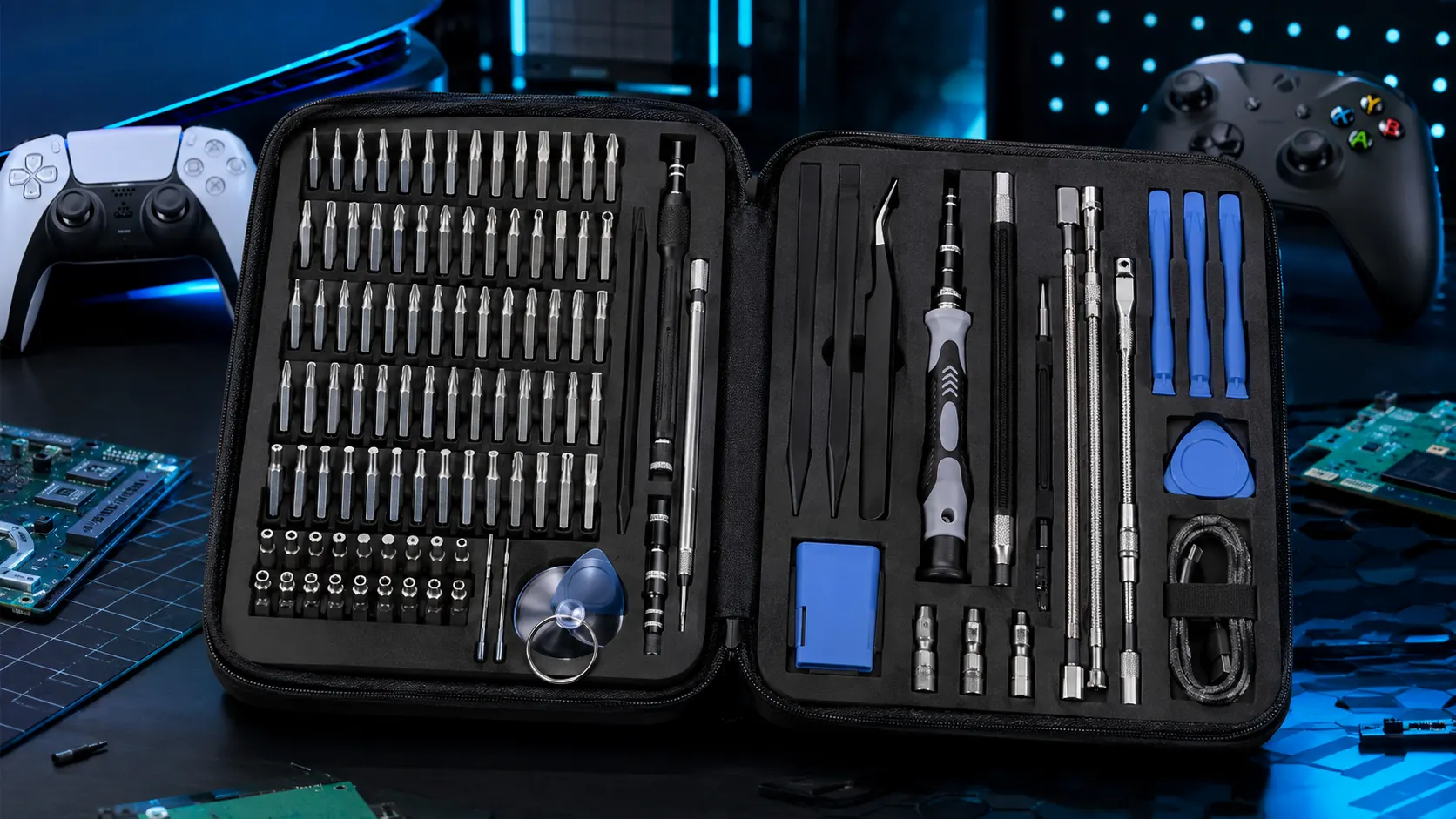
STREBITO Electronics Precision Screwdriver Set — 142-Piece
A large precision-bit set for small electronics and repair work.
View on AmazonSupported Controllers & Sensor Types
While basic tools only support PlayStation, our Universal Calibration Calculator works with all major hardware and sensor technologies:
Standard Potentiometers
Found in PS5 DualSense, Xbox Series X, and PS4 DualShock. These use physical wiper contacts that wear out over time, leading to inconsistent movement. Our tool is essential for managing this wear.
Hall Effect & TMR Sensors
Found in GameSir, GuliKit, and custom mods. Hall Effect analog sticks use magnets to avoid friction. While they are "drift-proof," they can still suffer from incorrect centering due to poor factory calibration. Our tool verifies their accuracy.
How to Apply Deadzones in Competitive Games
Once you have your "Max Drift" number from the tool above (e.g., 0.08), apply it to your game to fix the drift instantly.
Call of Duty / Warzone
Go to Settings > Controller > Deadzone Inputs. Set your "Min Input Deadzone" to exactly 0.01 higher than your result here. (e.g., If result is 0.05, set COD to 0.06).
Fortnite
Go to Settings > Controller Options > Deadzone. Fortnite uses percentages. If our tool says 0.12, set Fortnite to 12%.
Apex Legends
Go to Settings > Controller > ALC (Advanced Look Controls). Adjust the "Deadzone" slider until the yellow circle in the menu matches the drift visualizer on our site.
Hall Effect vs. TMR: Do You Need Calibration?
Hall Effect Analogs use magnetic sensors to detect position, greatly reducing wear. However, many 3rd party controllers arrive with "Outer Threshold" issues (where the stick reaches 100% input too early).
TMR (Tunnel Magneto-Resistance) is the next-gen tech offering extreme sensitivity. TMR sensors are highly resistant to drift, but if you observe uneven movement, it is often a software centering issue. Our tool helps you confirm if your fancy new TMR sticks are actually centered or if they need a return to the factory.
Hardware vs. Software Fix?
Remember: Software calibration reduces apparent movement issues caused by offsets. However, true stick drift caused by mechanical wear (physical dirt or scratches) can only be truly fixed by replacing the joystick module. Use this calculator as your first line of defense before buying a new controller.
If Dirt or Contamination May Be Involved
Calibration can help measure and manage apparent drift, but it does not remove physical contamination. If your troubleshooting points toward cleaning, an electronics contact cleaner may be useful when used according to its manufacturer instructions.
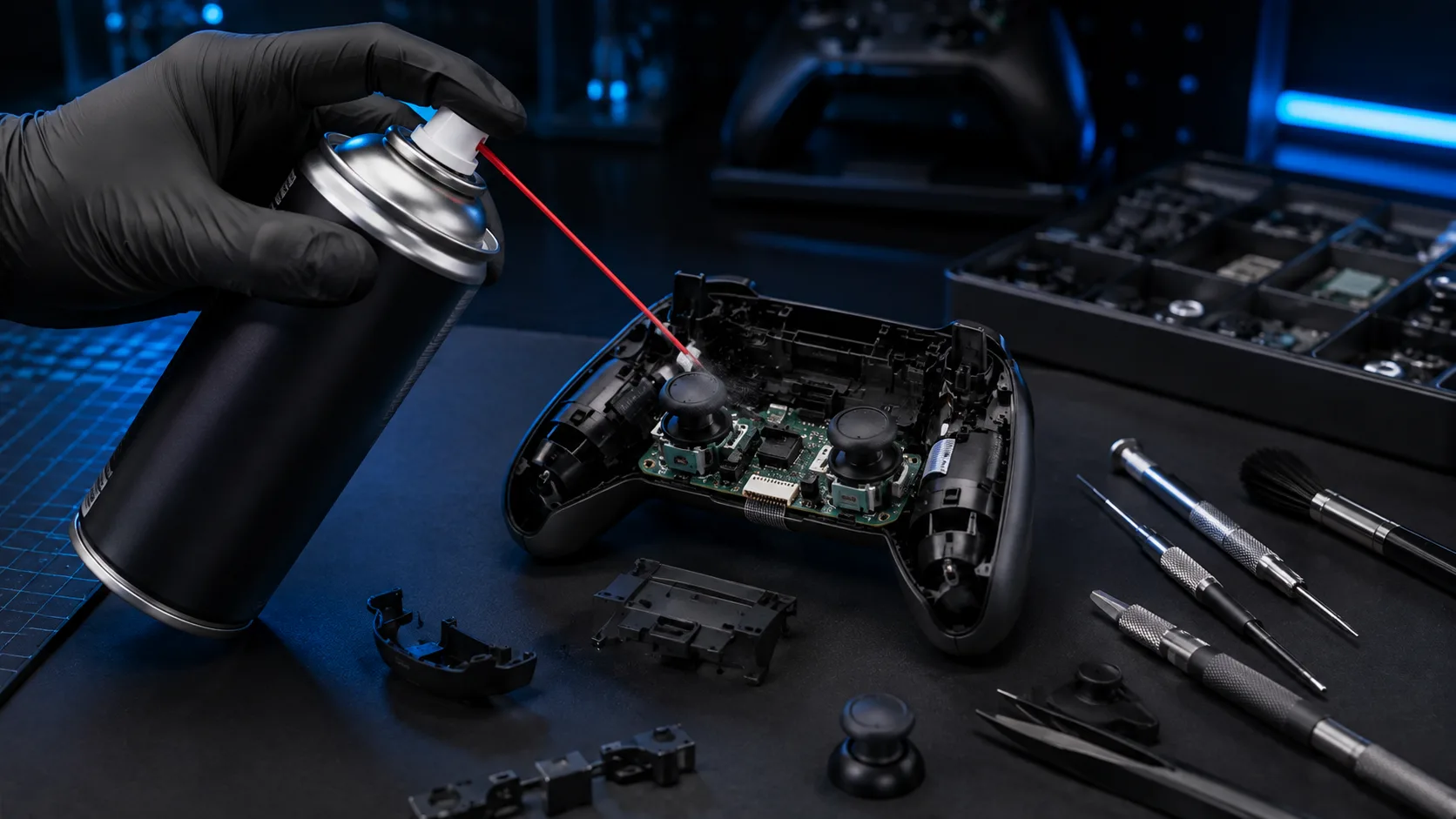
BW-100 Electronic Contact Cleaner
A non-flammable electronic contact cleaner marketed for cleaning electronic contacts and components.
View on AmazonImportant: Follow the product instructions and handle the controller safely. Do not spray blindly into a controller.
General Electronics Cleaning Accessories
For light cleaning around gaming hardware and small electronics, a compact multi-tool cleaning kit can be a useful accessory. It is a general cleaning option rather than a dedicated controller repair tool.
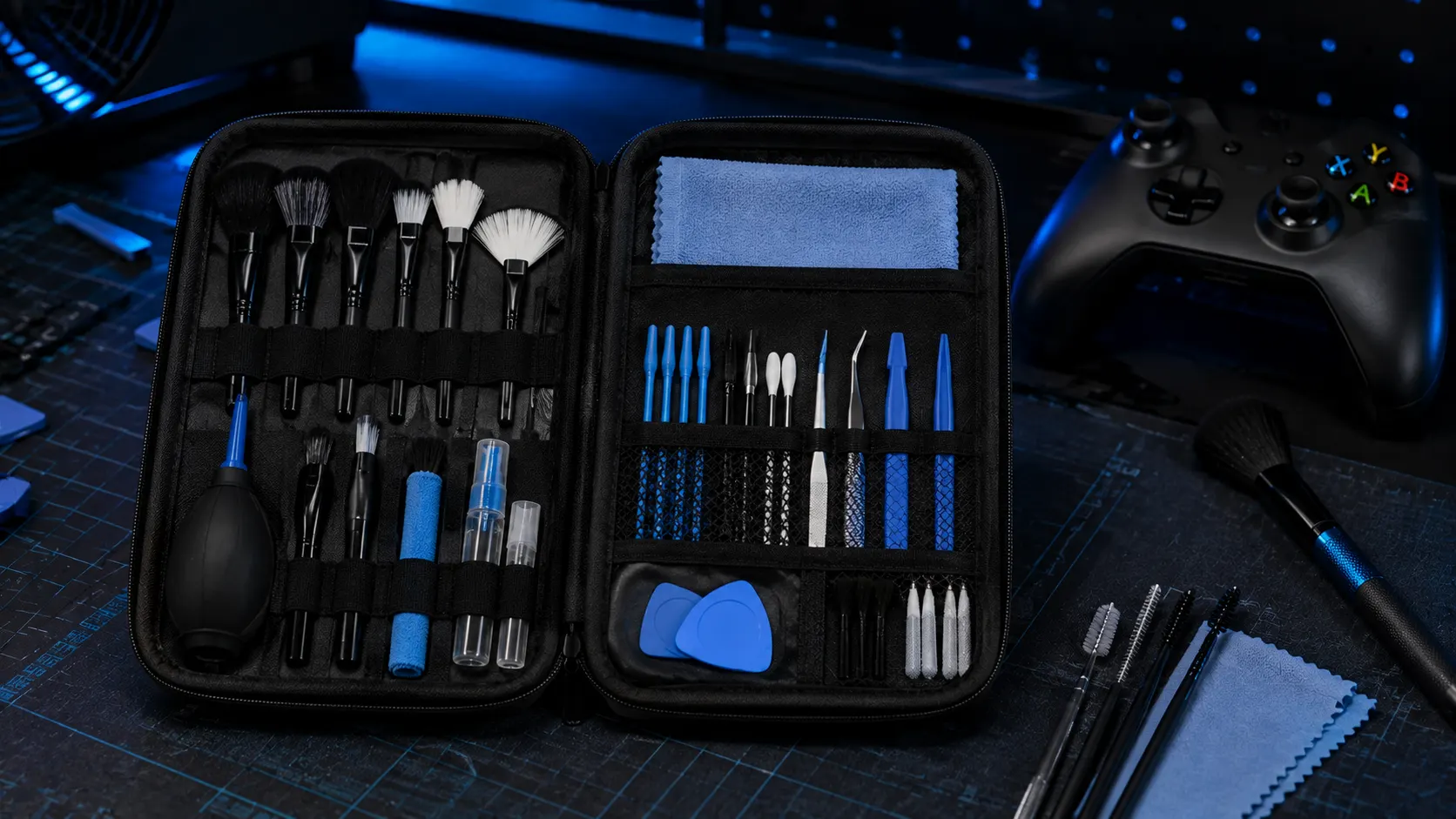
32-in-1 Electronics Cleaning Kit
A compact cleaning kit designed for small electronic devices and accessories.
View on AmazonFrequently Asked Questions
Can I calibrate Xbox controllers here?
Yes. While Microsoft's official "Xbox Accessories" app allows for internal re-calibration, our tool calculates the exact deadzone percentage you need to apply in specific games like Call of Duty to stop drift without altering the controller's firmware.
Does this fix "Stick Drift" permanently?
This is a software fix. It hides the drift by telling your game to ignore the broken sensor area (the Deadzone). To fix it permanently, you would need to clean the sensor or solder a new joystick module.
My Hall Effect stick is off-center?
Even Hall Effect sensors can have poor centering from the factory. If you see a deviation > 0.05 on a new Hall Effect controller, you should try running the built-in calibration on your console (Switch/Steam Deck) or return the unit.
How do I reset the calibration data?
Our tool works in real-time. To reset the "Max Drift" calculation, simply click the RESET button at the top right of the calculator card, or refresh the page.