
Assetto Corsa on Controller: Sim Racing Without the Wheel
Assetto Corsa is a hardcore simulator. It was built for force-feedback steering wheels, not tiny plastic thumbsticks. Because of this, the default controller settings feel incredibly twitchy. A slight nudge of the stick sends your GT3 car spinning into a wall. Many players quit the game thinking it's "unplayable" on a gamepad. They are wrong.
With the right tuning, you can achieve lap times within 1-2 seconds of wheel users. You can even drift with precision. The secret lies in understanding three core settings: Steering Gamma, Speed Sensitivity, and Filter. Our hub provides the exact values used by competitive controller drivers to tame the physics engine.
Understanding Steering Gamma
Steering Gamma is the most critical setting for gamepad users. It controls the linearity of your stick.
- Gamma 1.0 (Linear): This is impossible to use. The wheels turn instantly as you move the stick.
- Gamma 2.0 - 3.0: This creates a curve. The first 50% of your stick movement turns the wheel very slowly, allowing for smooth adjustments on straightaways. The final 10% of stick movement snaps the wheel to full lock, allowing you to catch slides. Finding your "Gamma Sweet Spot" is the key to consistency.
Speed Sensitivity: Your Safety Net
In a real car, you wouldn't turn the steering wheel 90 degrees while driving 150mph on a highway. But on a controller, it's easy to accidentally push the stick all the way to the side. Speed Sensitivity prevents this.
This setting artificially limits how far the in-game steering wheel can turn based on how fast you are going. At 0%, you have full control (and will likely crash). At 100%, the game restricts you heavily. We help you find the balance—usually around 70% to 80%—where the car feels stable at high speeds but you still have enough steering angle to navigate tight chicanes like Monza's Turn 1.
Content Manager & Gamepad FX
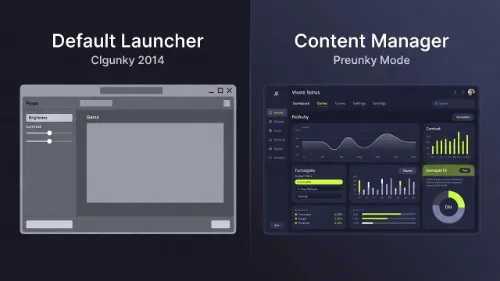
If you are playing on PC, the vanilla settings menu is obsolete. The community has created "Content Manager" and "Custom Shaders Patch" (CSP), which introduce a feature called Gamepad FX.
Gamepad FX scripts add intelligent "counter-steer assist." When the rear of the car slides out, the script automatically applies slight counter-steer, mimicking the self-aligning torque of a real steering wheel. This is a game-changer for drifting. Our guides link to the best scripts (like A7-Assist) and show you how to install them properly.