
Nintendo Switch & Joy-Con Repair: The Definitive Resource
The Nintendo Switch's modular design makes it one of the most versatile consoles in history, but its detachable Joy-Cons are infamous for their fragility. "Joy-Con Drift" has become a household term, leading to class-action lawsuits and frustrated gamers worldwide. However, the Switch is also one of the most repairable modern consoles. With the right screwdriver (the Y00 Tri-wing) and our guides, you can extend the life of your hardware by years.
Conquering Joy-Con Drift
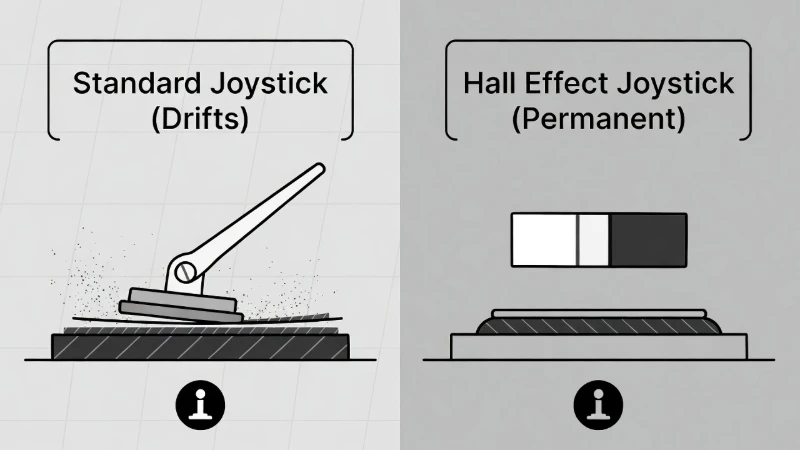
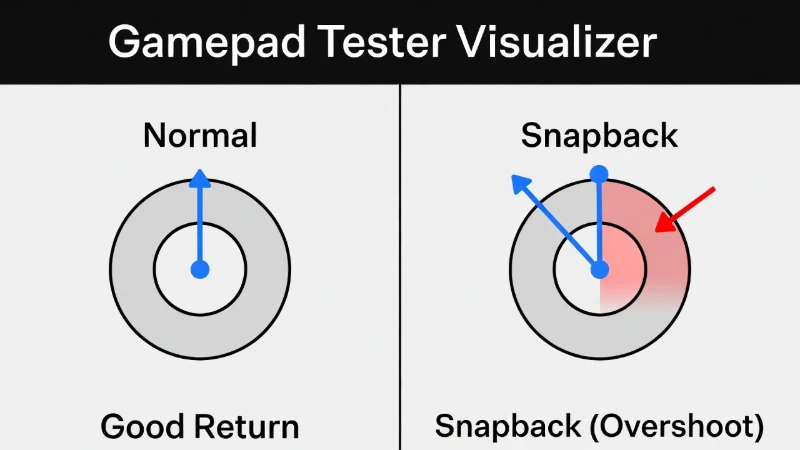
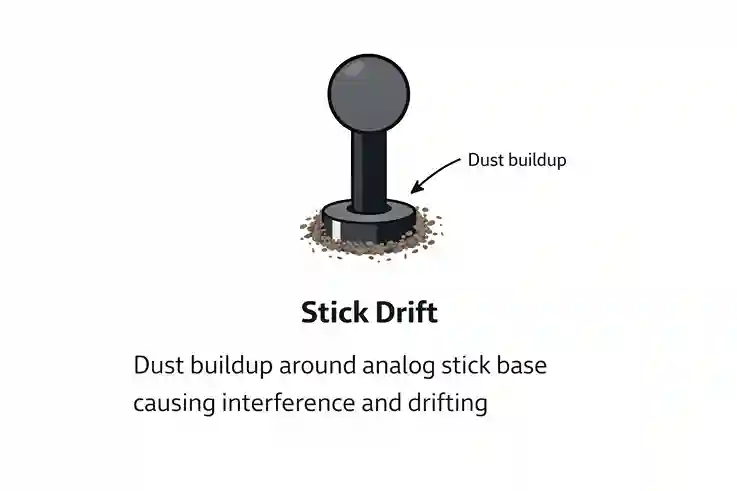
Joy-Con drift is caused by the physical wear of graphite contact pads inside the joystick mechanism. As you play, microscopic dust particles confuse the sensor, causing the camera or character to move on its own. While Nintendo offers free repairs in some regions, the turnaround time can be weeks.
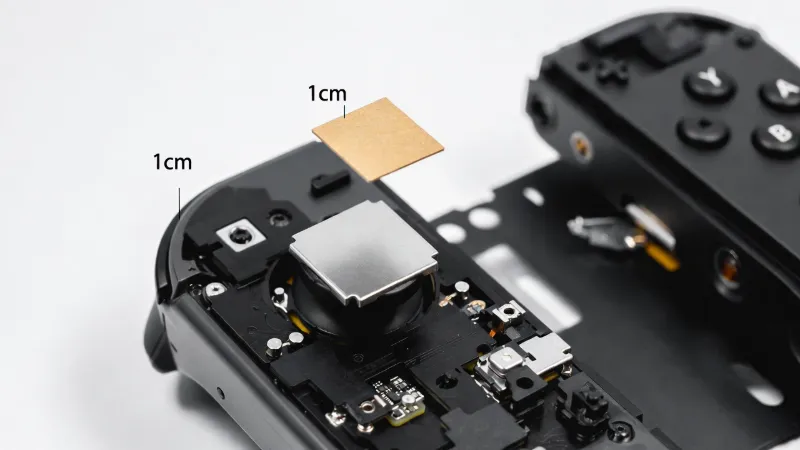
At TestMyGamePad, we champion the Cardboard Shim Method. This ingenious, non-destructive fix involves placing a specific thickness of cardstock behind the joystick mechanism. This applies pressure to the sensor housing, re-securing the loose contacts and eliminating drift instantly without soldering. For those seeking a permanent solution, we also cover the installation of Hall Effect Joysticks, which use magnetic fields instead of physical contacts to eliminate wear entirely.
Connection Issues: The Slider Rail
Does your Joy-Con disconnect when playing in handheld mode? Or perhaps it slides right off the console without pressing the release button? These are two separate mechanical failures.
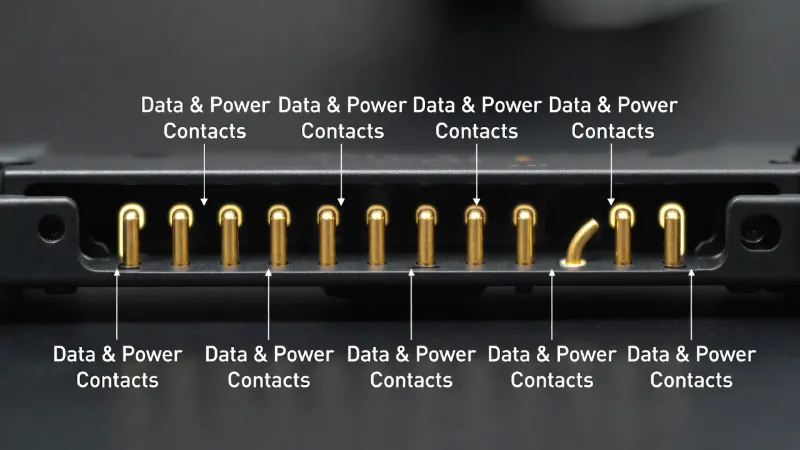
- Loose Connection: This is often caused by dirty or oxidized pins on the bottom of the slider rail. Our guides show you how to safely clean these contacts using 90%+ Isopropyl Alcohol to restore the data connection.
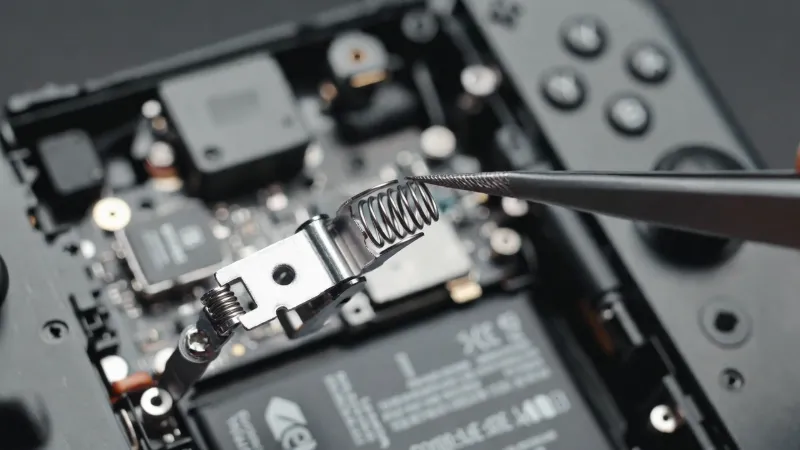
- Physical Locking Failure: The original latch that holds the Joy-Con to the Switch is made of soft plastic. Over time, it chips away. We provide a tutorial on upgrading this part to a Metal Buckle Lock. This inexpensive mod makes the connection rock-solid and prevents the controller from ever sliding off accidentally again.
Switch Console Repairs: Charging & Power
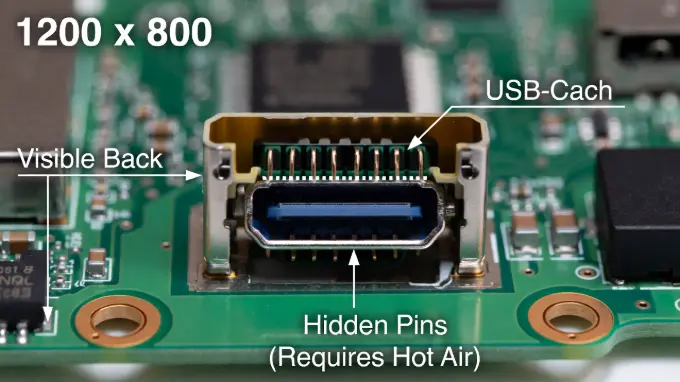
A Switch that won't turn on is a nightmare scenario. Often, the culprit is the USB-C charging port. Because the port lacks robust structural support, it is easy to bend the internal pins by inserting the charger at an angle.
We provide advanced diagnostic guides for testing the USB-C port using a multimeter and breakout board. This allows you to determine if the issue is a simple broken port or a more complex failure of the M92T36 Power Management Chip. Understanding the difference can save you from attempting a difficult soldering repair when a chip replacement is actually required.