
General Controller Repair: Tools, Diagnostics & Universal Fixes
Some problems aren't specific to Xbox, PlayStation, or Nintendo. A broken USB cable, a drifting sensor, or a laggy connection can happen to any device. This section of TestMyGamePad is dedicated to the foundations of electronics repair. Whether you are troubleshooting a generic PC gamepad or a high-end Scuf controller, the principles of diagnostics remain the same.
The Art of Diagnostics
You cannot fix what you cannot measure. Before you start replacing parts, you need to know exactly what is broken. Our guides focus heavily on using tools like digital multimeters to test continuity.
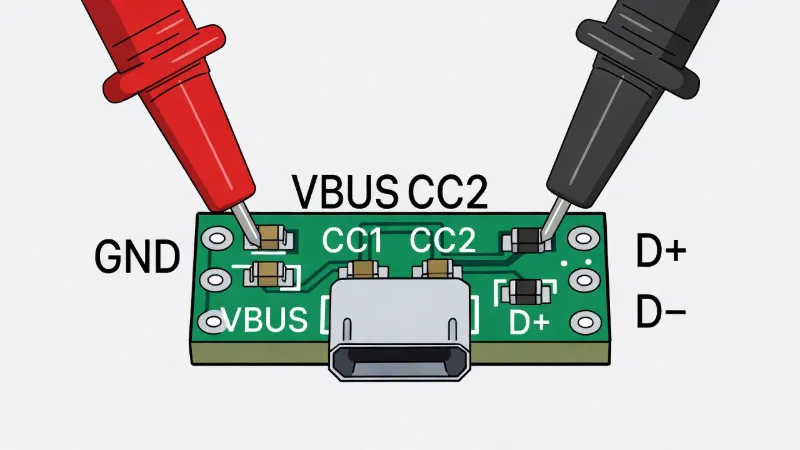
For example, a controller that won't charge might have a bad battery, a broken charging port, or a faulty cable. By using a USB-C Breakout Board and a multimeter, you can test the "VBUS" (Power) and "GND" (Ground) pins of your cable to instantly rule it out. We simplify these engineering concepts into easy-to-follow steps: "If it beeps, it works. If it's silent, it's broken."
Universal Stick Drift Solutions
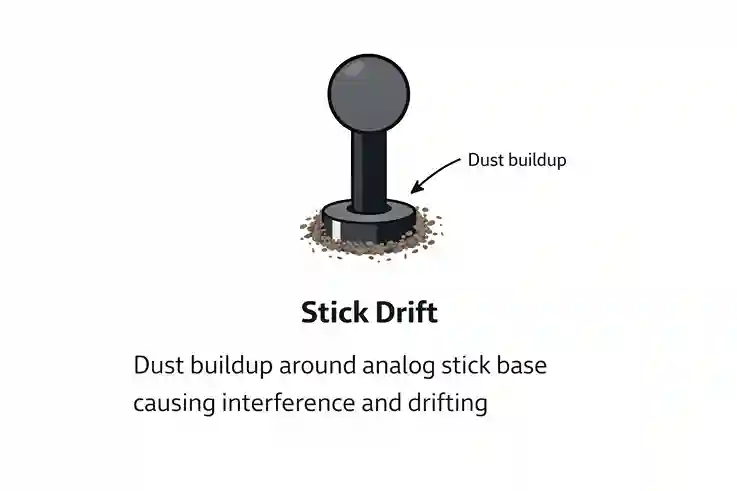
While every controller is built differently, they almost all use ALPS analog stick modules. This means the fix for a PS4 controller is remarkably similar to an Xbox controller.
We cover the universal "Isopropyl Alcohol Flush." This non-invasive technique uses 99% isopropyl alcohol to dissolve the carbon buildup and conductive grease inside the sensor potentiometer. It is the safest first step for any drifting controller and requires zero disassembly. We also discuss the risks and rewards of using "Contact Cleaner" sprays versus pure alcohol.
Understanding Performance
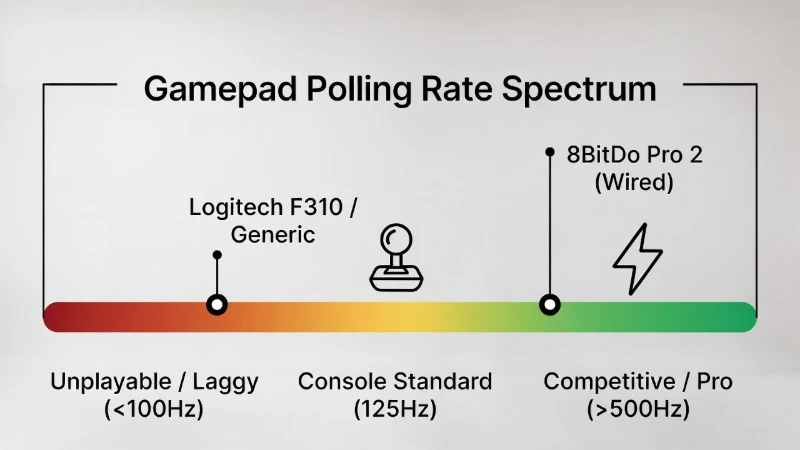
Repair isn't just about fixing broken things; it's about optimization. Why does your controller feel slow? Our guides on Polling Rates help you test if your generic PC gamepad is running at a sluggish 125Hz or a competitive 1000Hz.
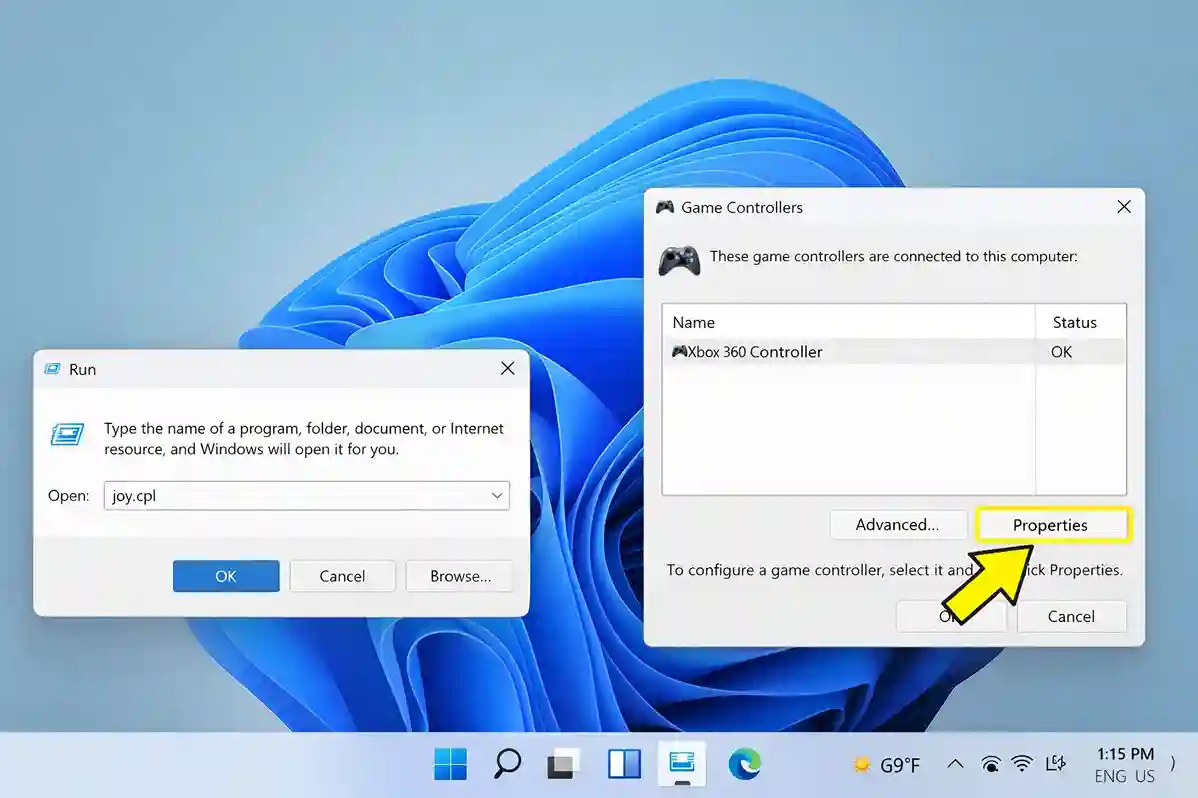
We explain how to use software testers to visualize "Input Jitter" and "Latency." By understanding these metrics, you can determine if your performance issues are caused by your hardware, your Bluetooth connection, or your PC settings.