

Controller Tech & Science: The Deep Dive
Gaming hardware marketing is full of buzzwords. "Hall Effect," "Zero Latency," "Overclocking," "Circular Deadzones." But what do these actually mean for your aim? The TestMyGamePad Tech Hub is where we strip away the marketing hype and look at the raw data. This section is for the competitive gamers and hardware enthusiasts who want to understand the science behind their peripherals.
The Truth About Polling Rates
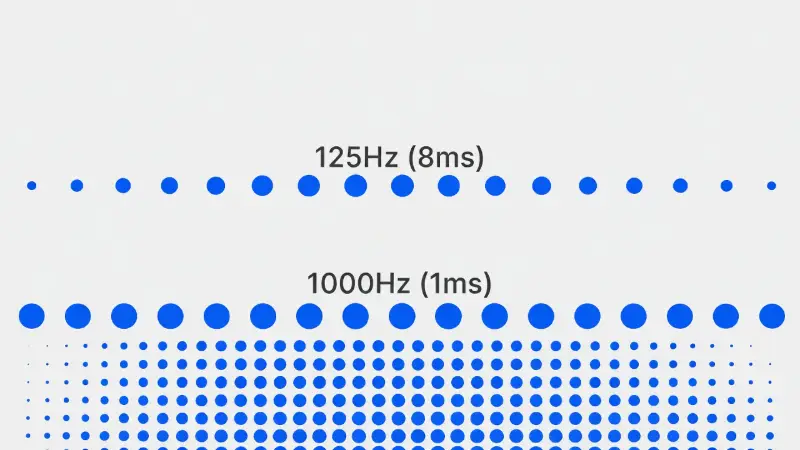
One of the most misunderstood specs in gaming is Polling Rate (Hz). This number dictates how many times per second your controller reports its position to the PC or console. A standard Xbox controller polls at 125Hz (every 8ms), while an overclocked DualSense on PC can hit 1000Hz (every 1ms).
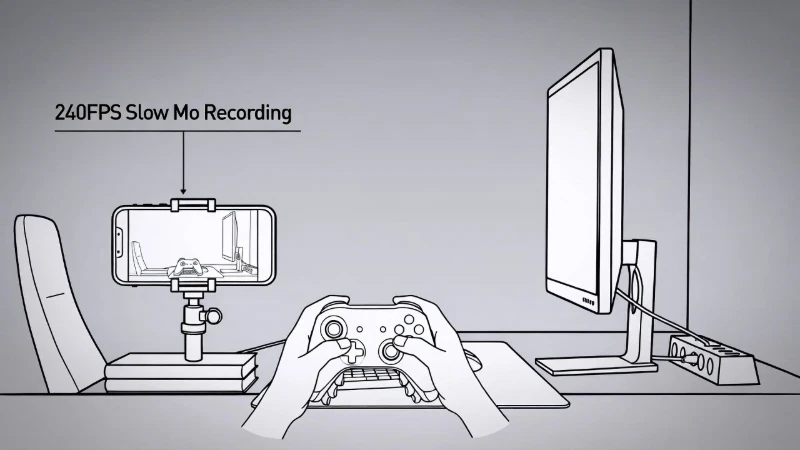
We break down the math: does that 7ms difference actually matter? For competitive shooters like Call of Duty or Valorant, the answer is often yes. We also explore the trade-offs: higher polling rates consume significantly more CPU power and drain batteries faster over Bluetooth. We teach you how to test your own gear to see if you are getting the speed you paid for.
Hall Effect vs. Potentiometer
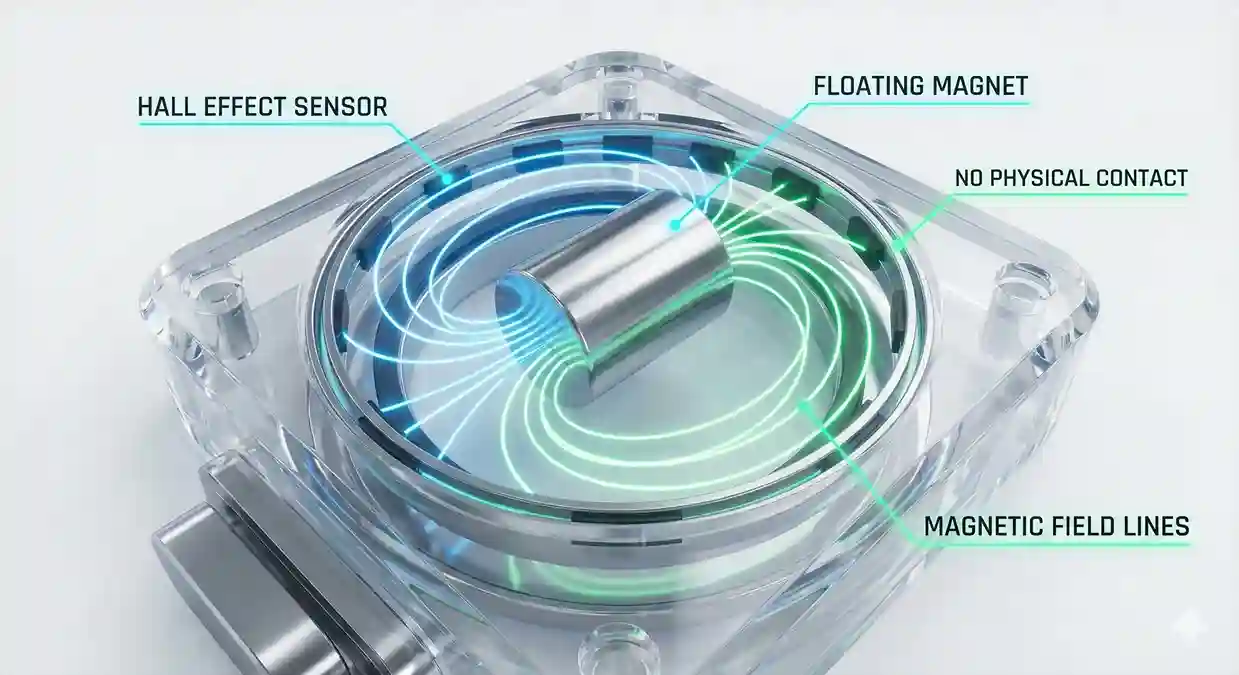
The biggest revolution in controller tech is the shift to Hall Effect Sensors. Traditional sticks use "potentiometers"—physical wipers that rub against a resistive track. Friction equals wear, and wear equals drift. It is a flaw by design.
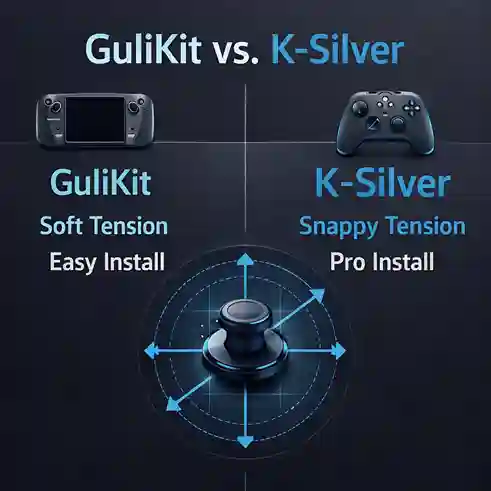
Hall Effect sensors use permanent magnets and electrical conductors to measure position without any physical contact. No contact means no friction, which means no drift. Our guides explain the physics behind this technology and why investing in a Hall Effect controller (like 8BitDo or GuliKit upgrades) is the best long-term investment for your setup.
Deadzones and Input Curves
Not all "stick drift" is hardware failure. Sometimes, it's just a bad deadzone setting. We explain the difference between Axial Deadzones (cross-shaped) and Radial Deadzones (circular).
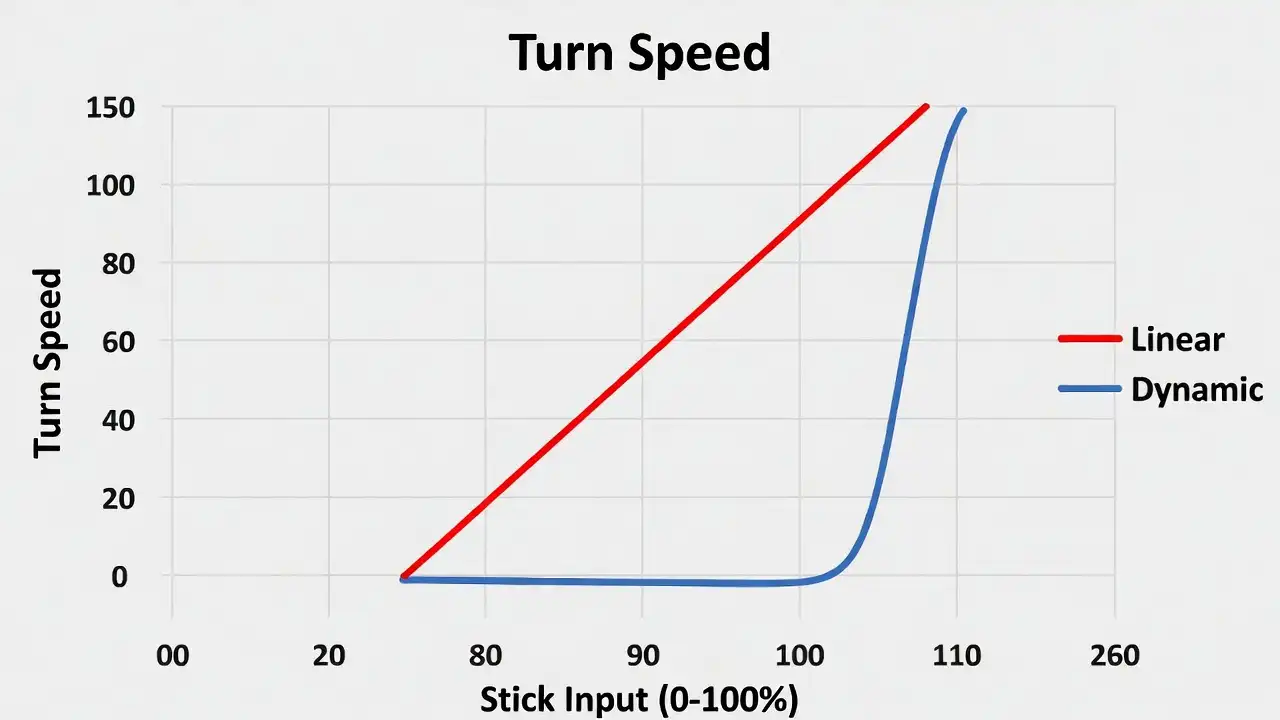
Understanding how your game interprets diagonal movement is key to fixing "slow turns" or "sticky aim." We visualize how different response curves—Linear, Exponential, and Dynamic—translate your thumb movement into on-screen action, helping you fine-tune your settings for perfect muscle memory.